SuperSight Red
- HEX
- #F41625
- RGB
- 244, 22, 37
- HSL
- 355.9°, 91.0%, 52.2%
CAPTAIN SUPERSIGHT · PRESS KIT
Logos, brand colors, screenshots, and ready-to-use text for articles, reviews, and other editorial coverage of Captain SuperSight.
Use the supplied artwork without redrawing, recoloring, stretching, or cropping it. Keep clear space around the mark equal to about half the icon’s width, and choose the lockup that matches the background.



Download for light backgroundsDownload reversedDownload yellow
These values come from the logo artwork. On-screen interface accents use slightly different red and yellow values; use the logo colors for the mark itself.
Three lengths for listings, articles, and longer features. Please describe Captain SuperSight as an accessibility aid, not as a medical device, navigation system, or emergency service, and publish the safety note with any description of AI features.
Captain SuperSight is an accessible camera and display aid for people with low vision.
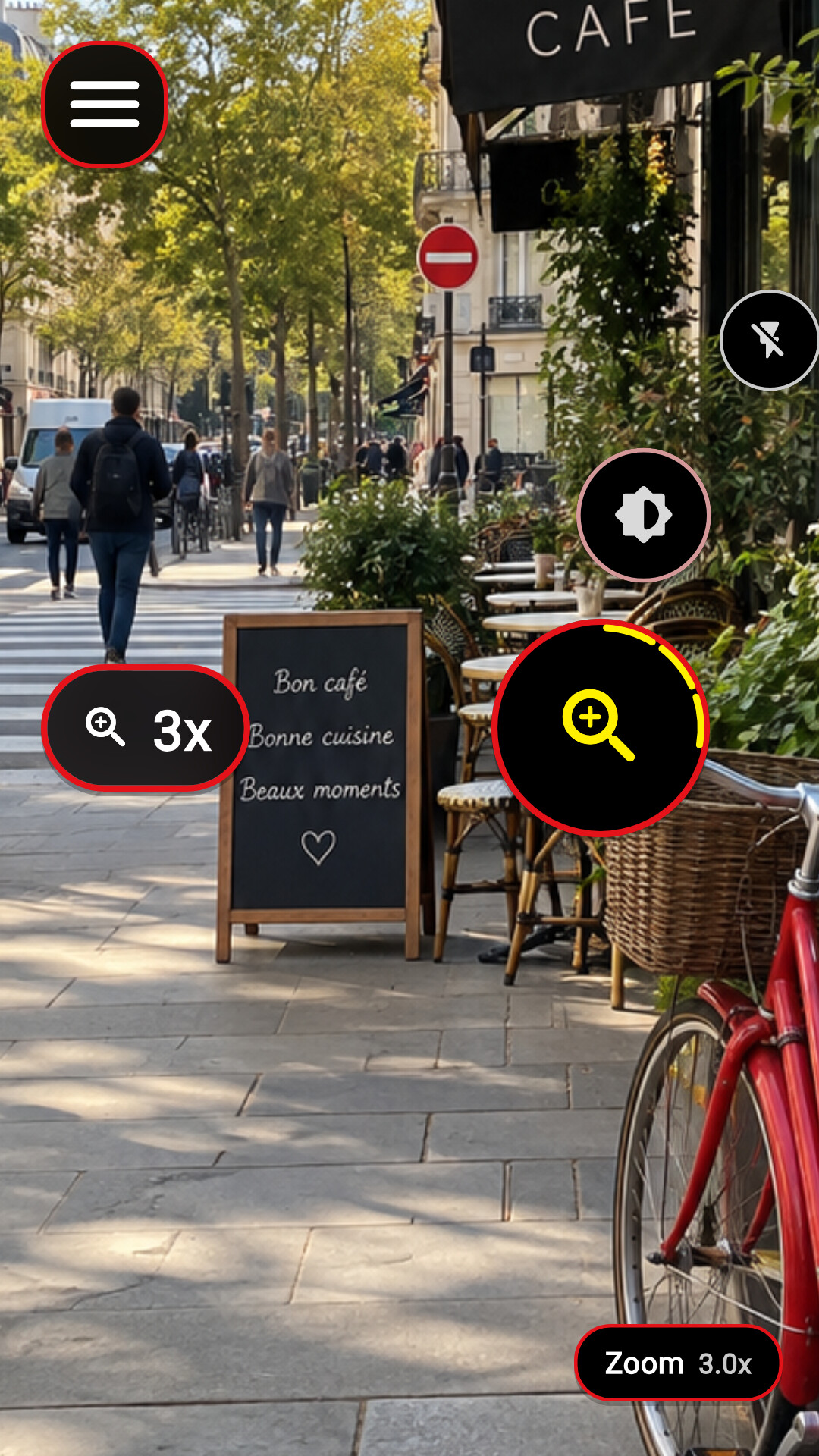
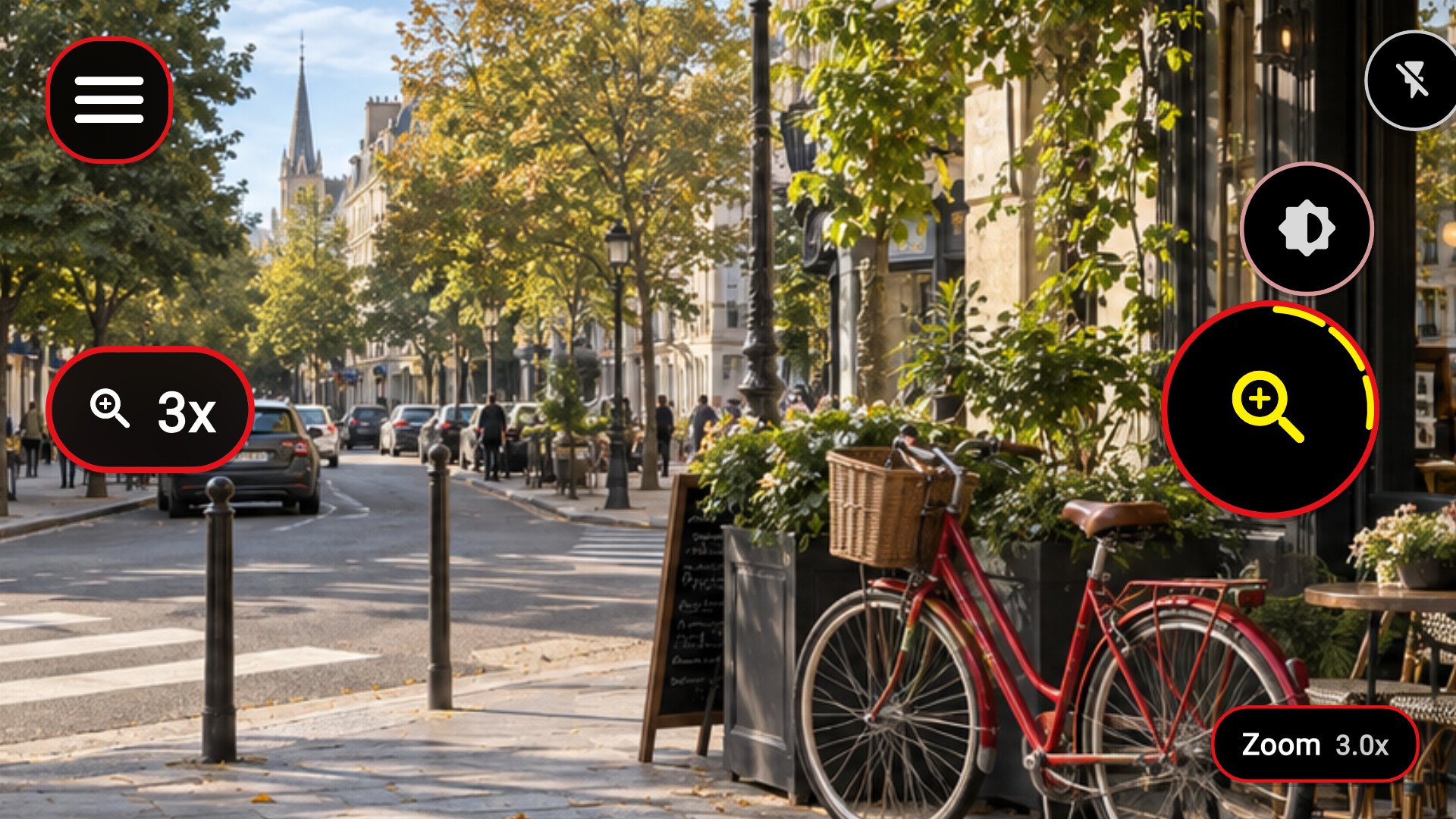
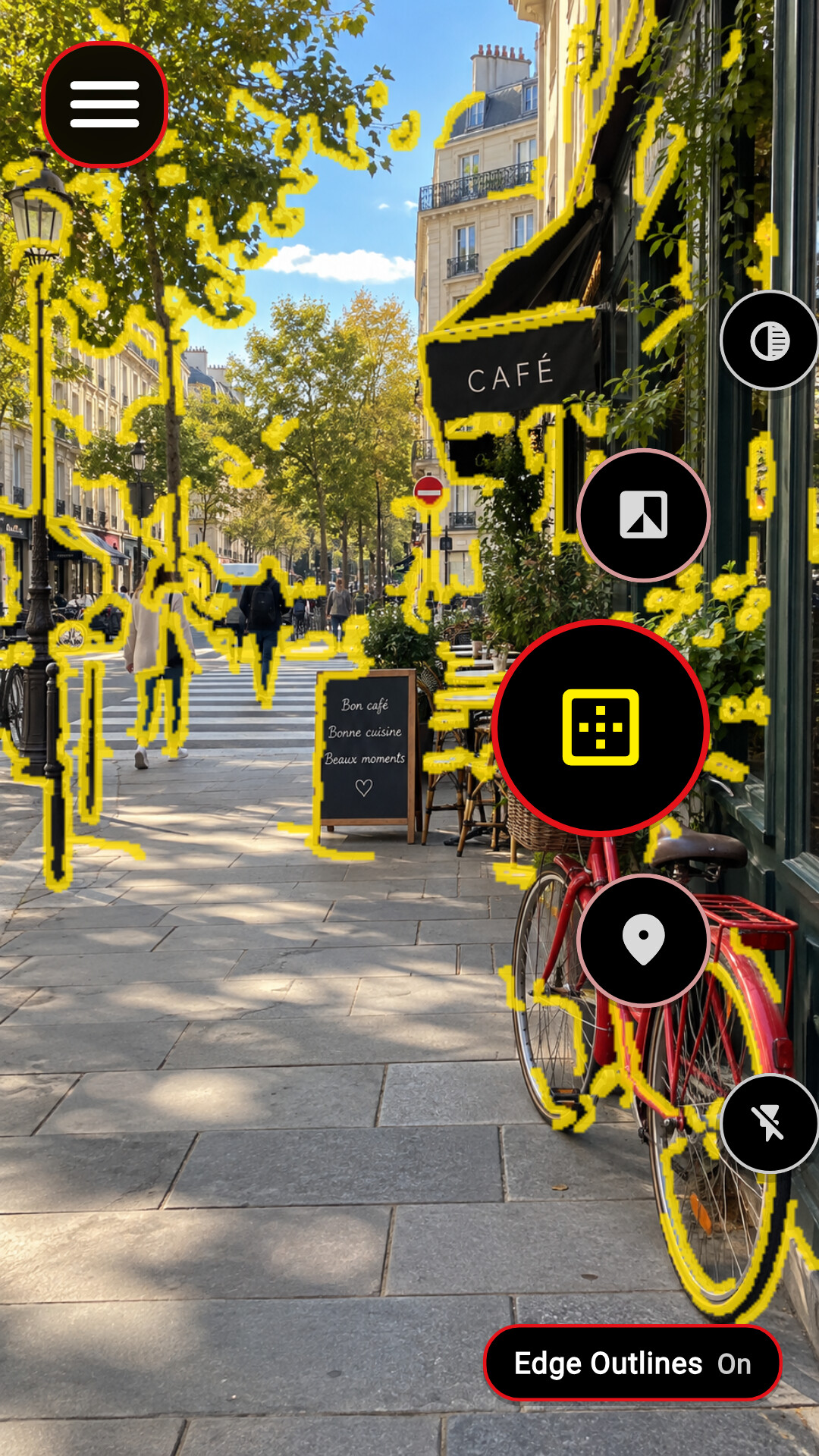
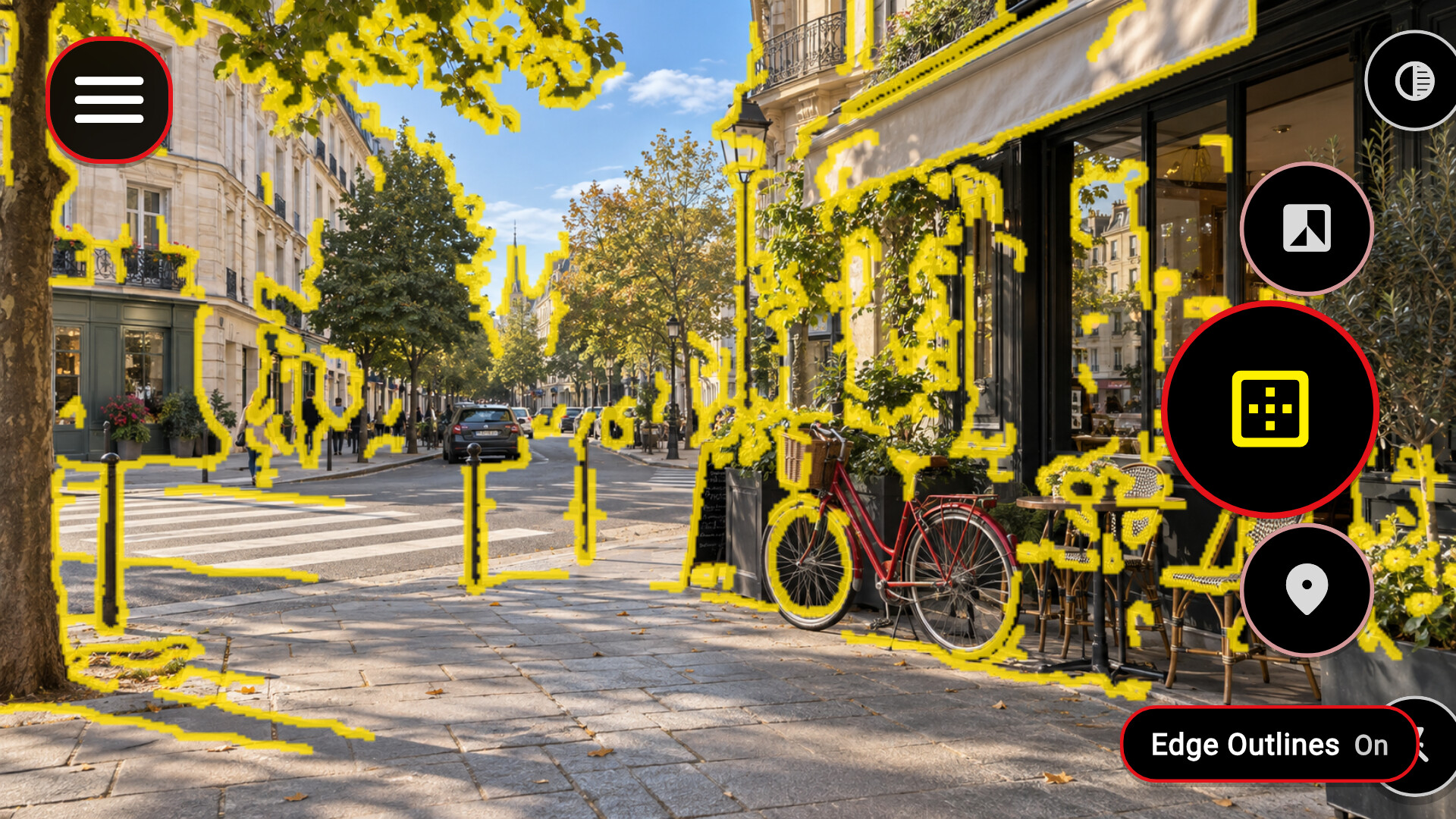
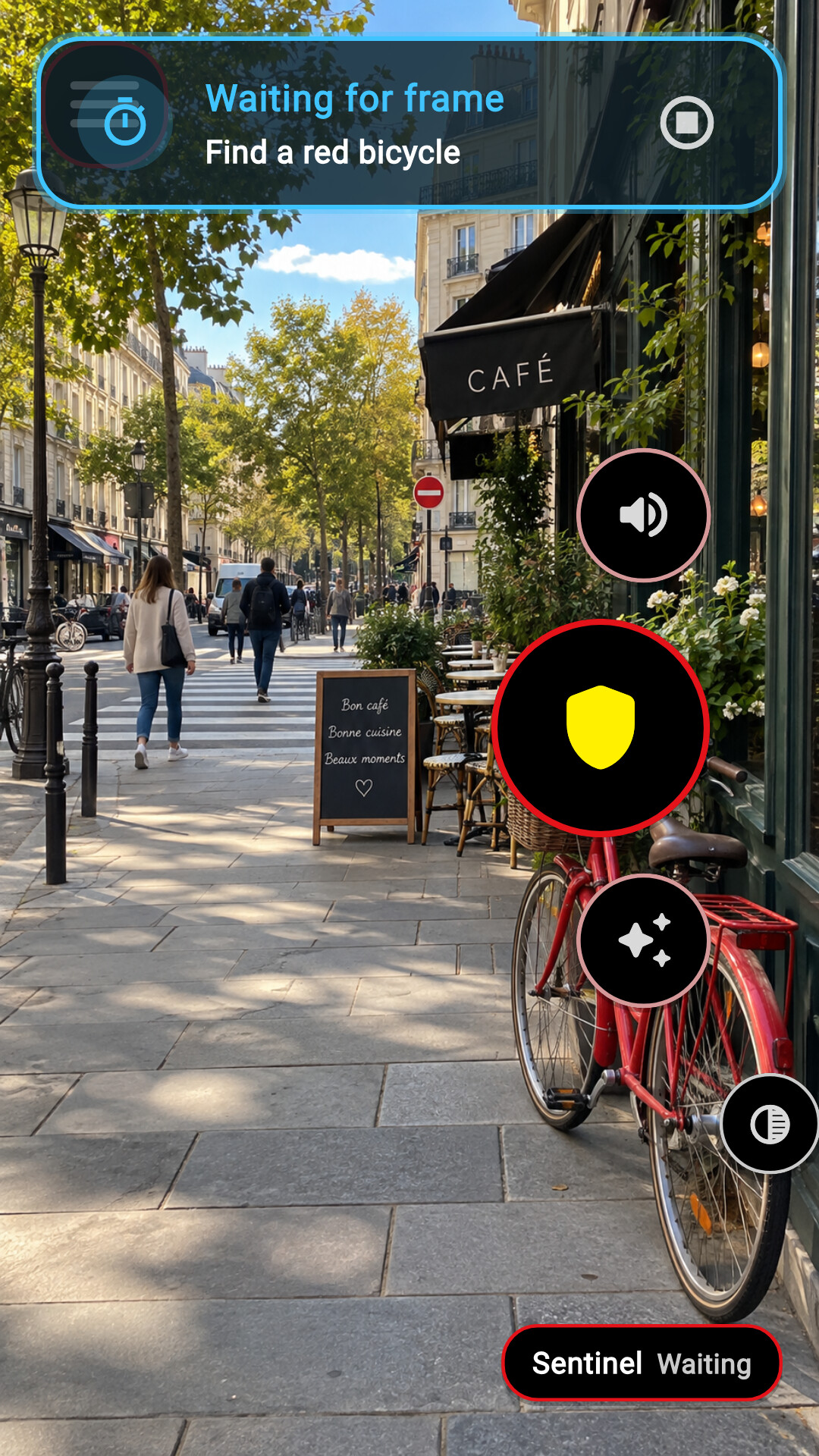
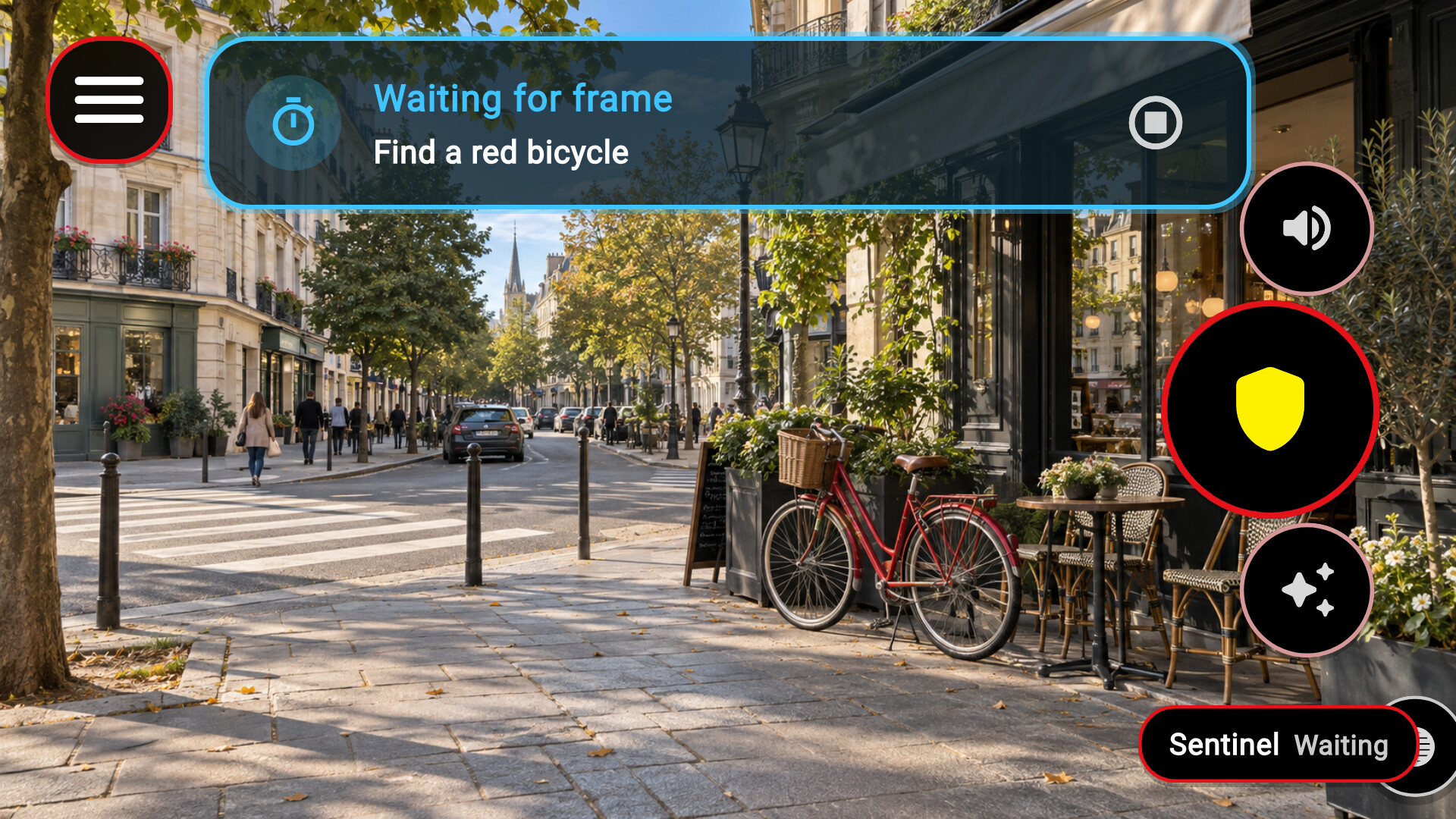
Captain SuperSight brings the camera view closer, adjusts light and color, and outlines edges on a phone, Android XR, or wired XR glasses. Optional on-device AI can describe a scene or have Sentinel watch for something you describe, while physical buttons drive a spoken menu.
Captain SuperSight is a customizable camera and display aid designed to make a live camera view easier to use.
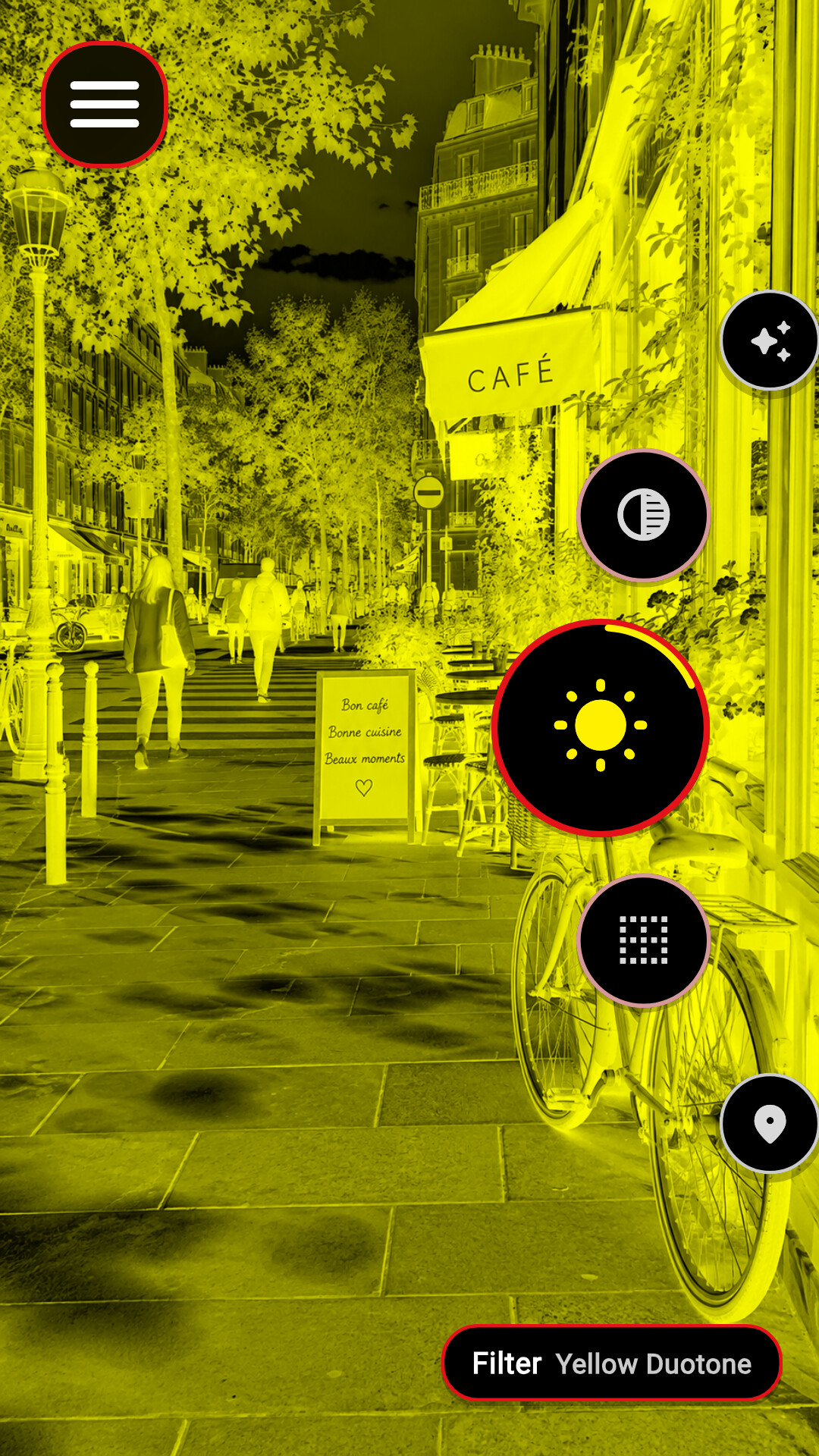
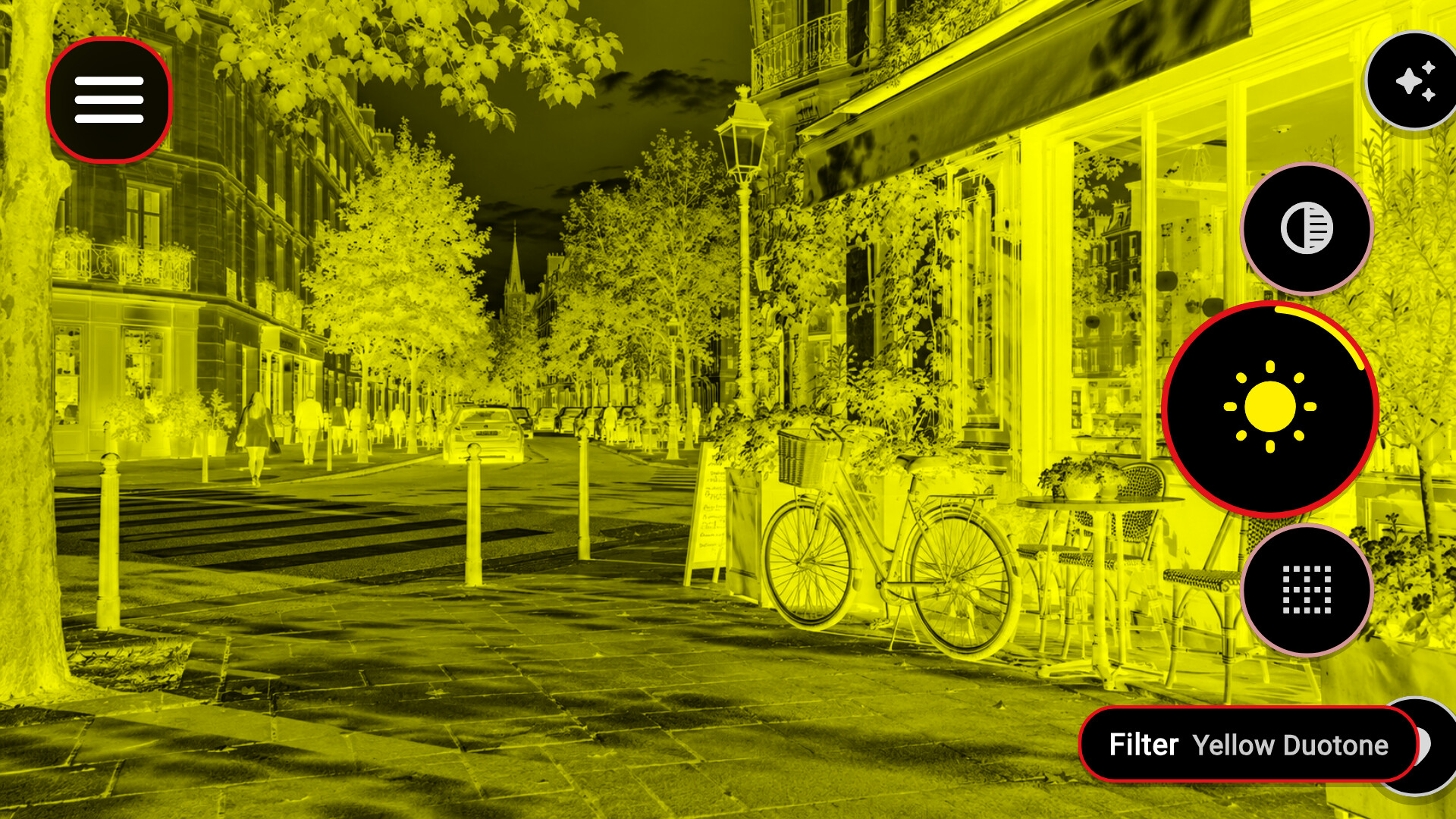
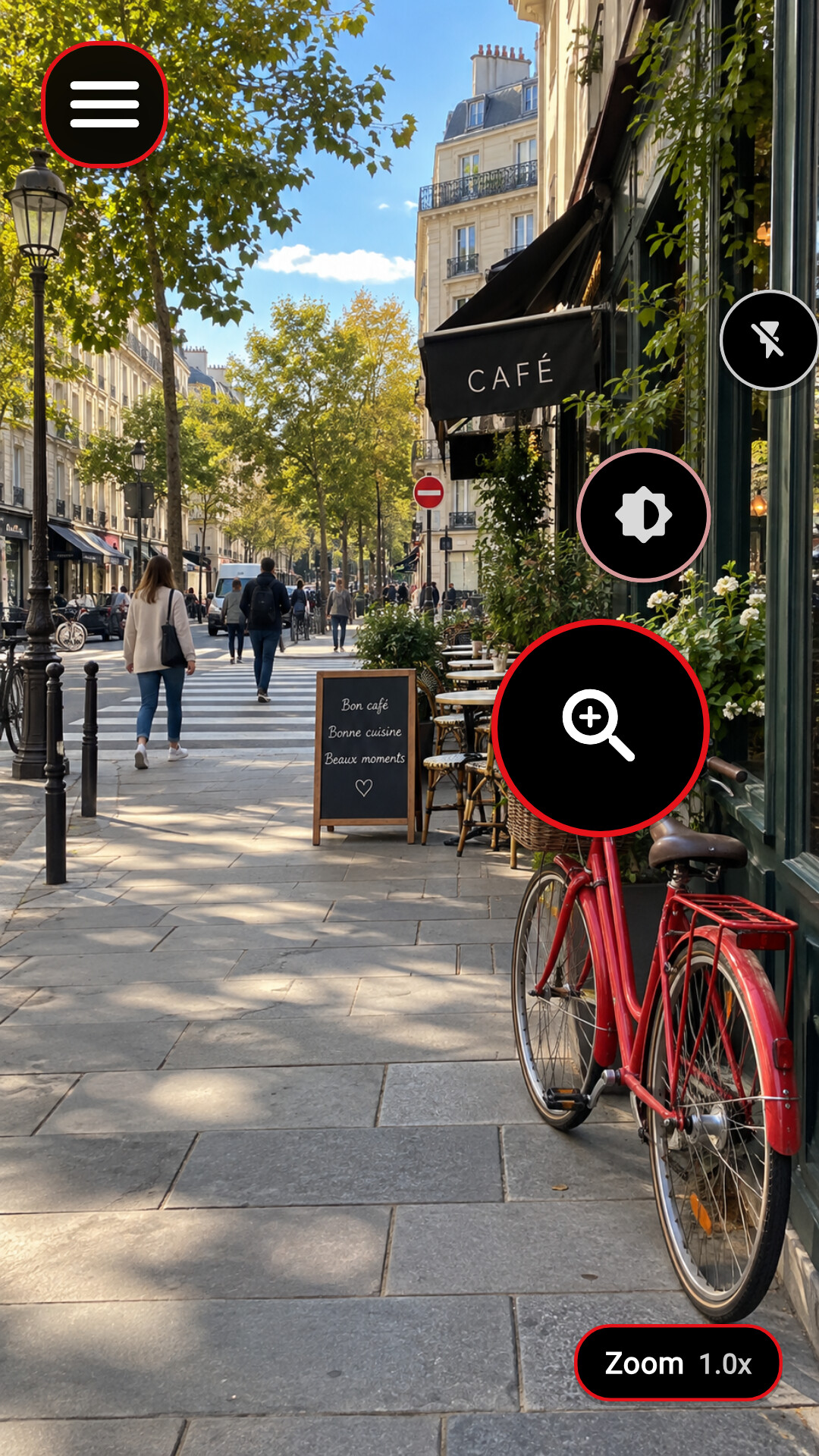
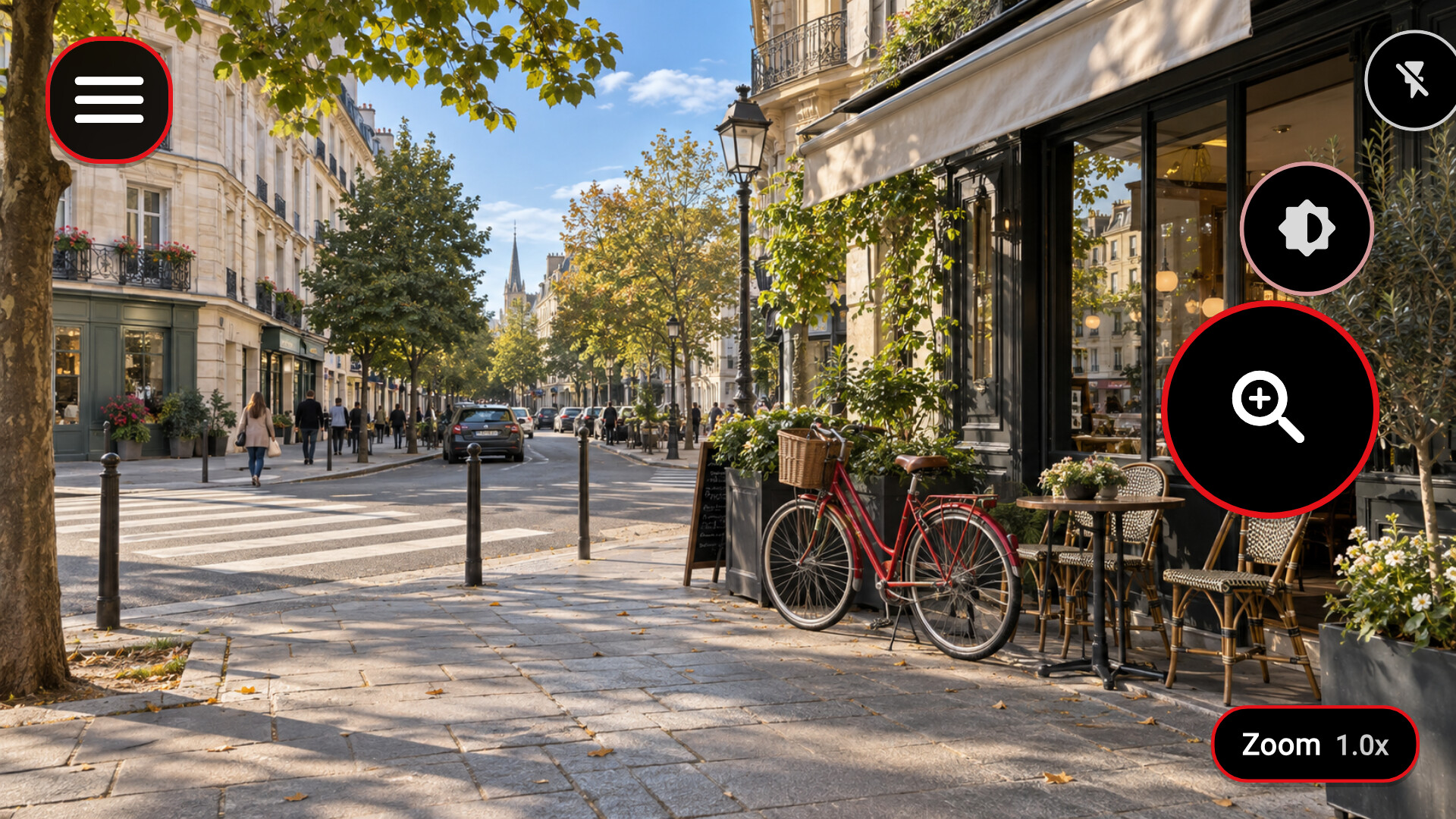
Magnify the image, adjust exposure, recover highlights and shadows, and choose color filters that suit your vision. Configurable edge outlines make shapes and boundaries stand out. The camera view can run standalone on a phone, on Android XR, or on a phone connected to wired XR glasses.
Physical volume buttons and supported controllers move through a spoken menu, so core camera and display controls stay available without speech recognition. Save favorite places for an approximate direction and distance, and adapt supported displays with zoom presets, rotation, captions, and stereo image alignment.
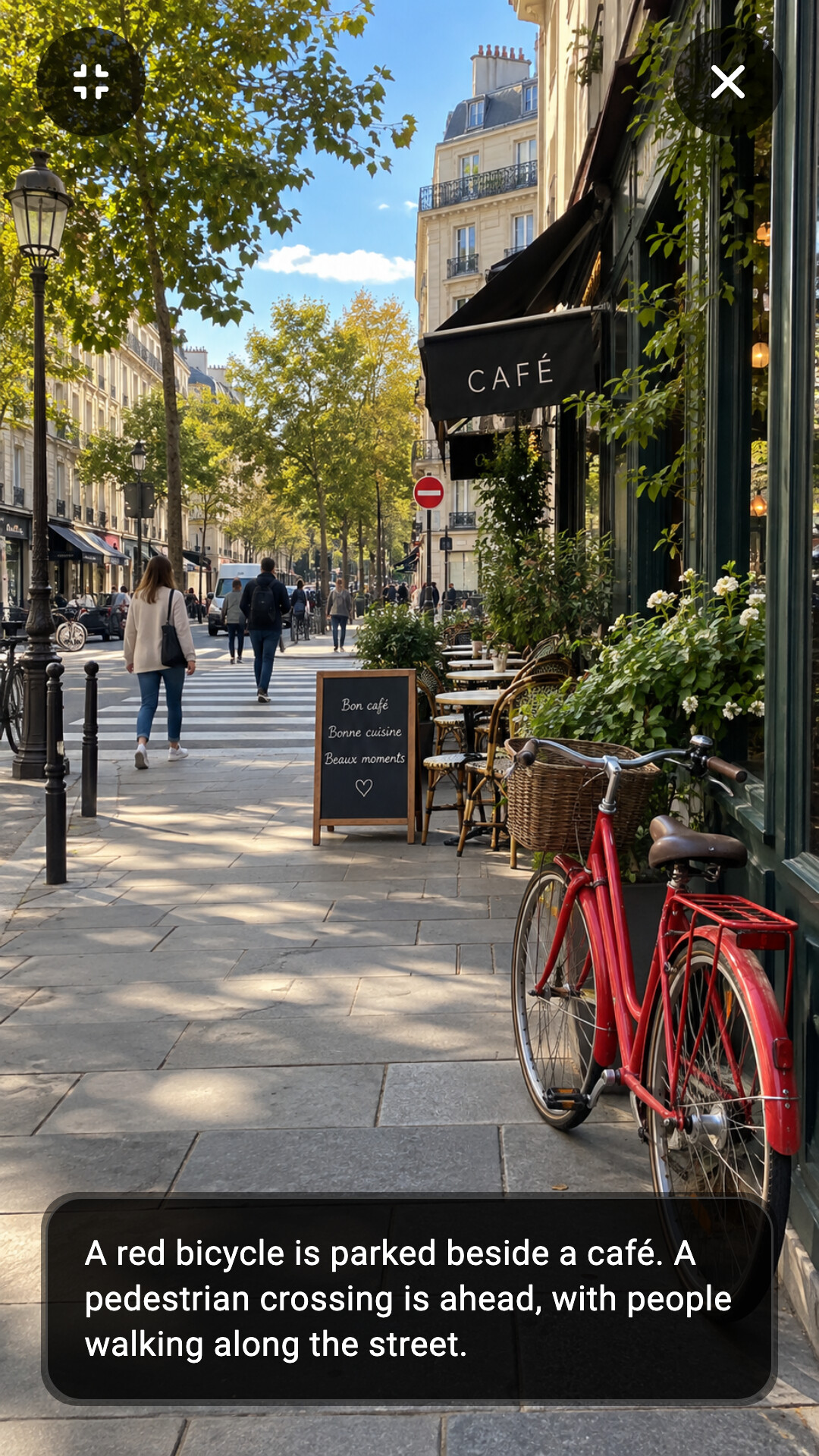
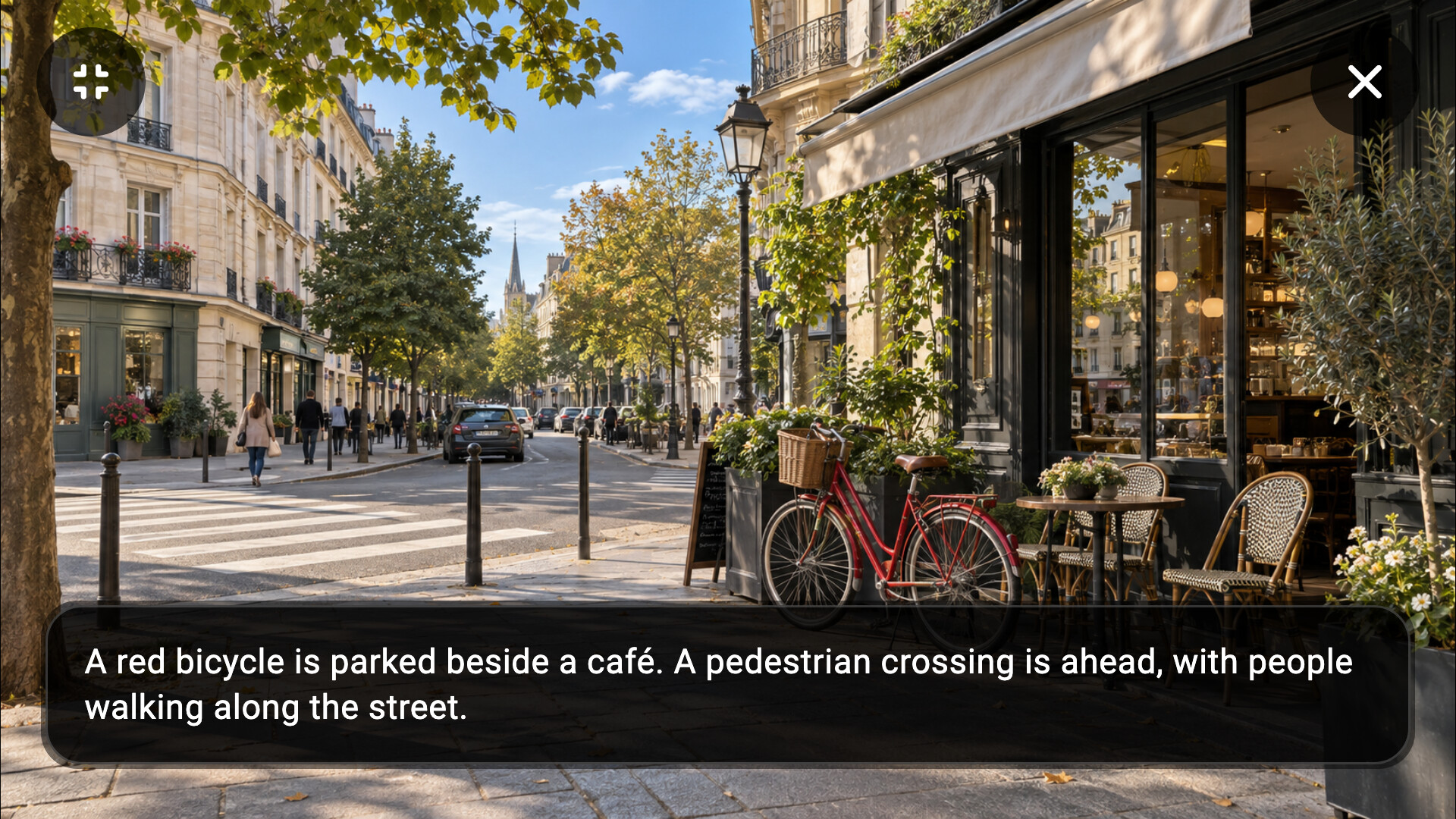
After downloading a supported on-device model, optional AI features can describe a scene or use Sentinel to watch for something you describe. AI is optional and separate from the camera and display controls.
Captain SuperSight is a supplemental accessibility aid, not a medical device, navigation system, or emergency service. AI output, and camera, sensor, location, and display information, can be wrong, incomplete, delayed, or unavailable. Never rely on Captain SuperSight to decide whether a road, railway, platform edge, route, or other situation is safe. Keep using your cane, guide dog, mobility training, trusted assistance, prescribed visual aids, and your own judgment. Always consult your doctor before use and an eye care professional before using stereo image alignment. In an emergency, contact local emergency services. In the European Union, call 112.
Six app views in portrait (1080 × 1920) and landscape (1920 × 1080). All camera scenes, location data, and AI content are illustrative. Publish the screenshots unaltered.


Features and supported hardware vary by device, permissions, camera source, and setup. Captain SuperSight is a product of Navideck Labs OÜ. Third-party product names, trademarks, and images belong to their owners; Navideck Labs is not affiliated with them.
For press and partnership inquiries, contact team@captainsupersight.com.